Buy anything from 5,000+ international stores. One checkout price. No surprise fees. Join 2M+ shoppers on Desertcart.
Desertcart purchases this item on your behalf and handles shipping, customs, and support to USA.
๐ Stay connected, anywhere โ your global soundtrack on the go!
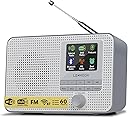
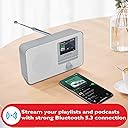
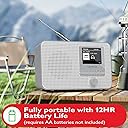
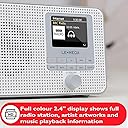
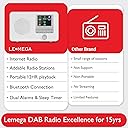
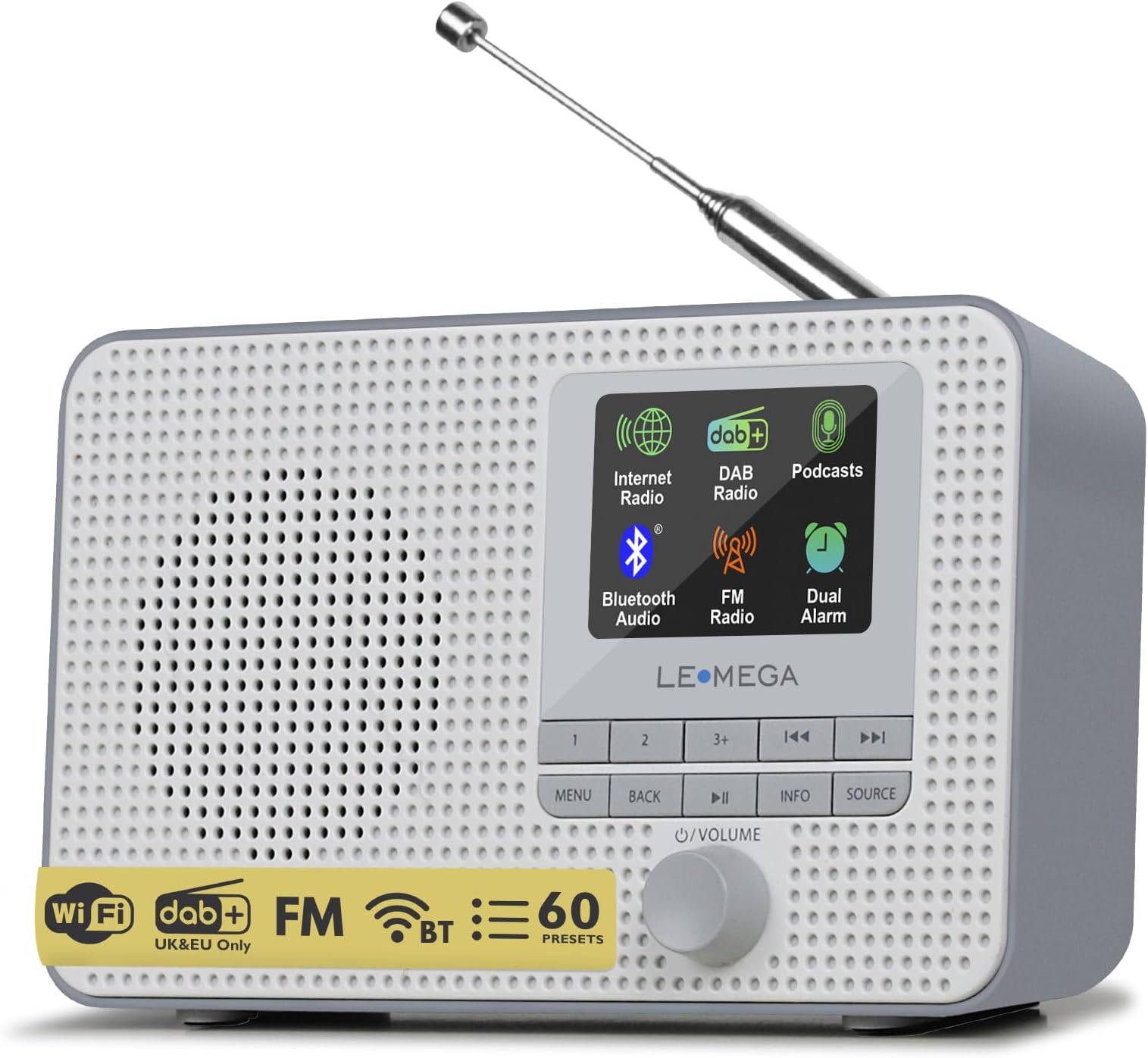
The LEMEGA IR1 is a sleek, portable internet radio with WiFi and FM support, offering access to over 30,000 global stations. Featuring Bluetooth streaming, a vibrant 2.4" color display, dual alarms, and 12-hour battery life, itโs designed for millennial professionals who demand seamless connectivity and style both at home and on the move.


| ASIN | B089GY8CF8 |
| Additional Features | Alarm, Built-In Clock, Portable |
| Antenna Location | Music |
| Brand | LEMEGA |
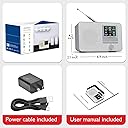
| Built-In Media | Owner's Manual, Power Adapter, Quick Start Guide |
| Color | IR1 Grey |
| Compatible Devices | Headphone, Smartphone |
| Connectivity Technology | Bluetooth |
| Customer Reviews | 4.0 4.0 out of 5 stars (361) |
| Display Technology | LCD |
| Display Type | TFT color display |
| Enclosure Material | Plastic |
| Hardware Interface | 3.5mm Audio, USB |
| Item Dimensions L x W x H | 17.5L x 4.7W x 11.5H centimeters |
| Manufacturer | LEMEGA |
| Mfr Part Number | IR1 |
| Model Number | IR1 |
| Power Source | DC |
| Radio Bands Supported | FM |
| Speaker Maximum Output Power | 5 Watts |
| Style Name | Modern |
| Tuner Type | FM, Internet Radio |
| UPC | 779584903259 |
| Voltage | 5 Volts |
| Water Resistance Level | Not Water Resistant |
D**H
I did not want to go the Sirius XM route, as it would mean drilling a hole in my brick two-story house to get an antenna outside, so I was happy when I found this radio. It is small, but sounds great, and works perfectly. I am super happy with the price point on this. It gives several radio options, which you can search through by genre
S**A
Creรญ que iba a ser difรญcil configurarlo pero para nada! Me llevรณ sรณlo media hora leer el instructivo y ponerlo a funcionar. Buena calidad de sonido y capta estaciones de radio espectaculares .
D**D
A little finicky to setup, and it has its bugs, but once it's all done, it's a joy to have. I use both the Como and Undok apps to control it. Personally I find the Undok marginally faster and more responsive. The Frontier platform has thousands of stations, many really good ones that I've saved as favorites. You can save them either via the radio itself or via the app. Granted it does not have Tunein or iHeart on it, but its got so many others it's fine either way. The other positive is that when you cut the power, the saved favorites remain there, they are not wiped out. After a week of using I've grown to really love it, especially while working.
R**S
This is a low budget wifi internet radio but it works great ! It looks nice, is compact, sounds very good for its size and is easy to set up. Another nice feature is the ability to power it with regular AA batteries (or rechargeables or regular power). There is, however, some confusion on how to set up presets and this is causing some to return the radio. It is easy to save presets 1 and 2 but #3-20 doesn't seem to work. The instruction manual is a bit confusing and, I believe, has a typo that makes it even more confusing. But, in reading reviews, I saw that another buyer downloaded an Adroid app to his phone called Como Control. This app actually works in conjunction with the Lemega IR1 (not sure why) and it allows you to fill all over your preset slots on the radio ! This is the answer many have been looking for. And, if you want to delete some and add other stations, you can do that too. So, IF you use this app, this is the best bargain on the market when it comes to internet radio ! I hope my review helps others who were very frustrated when trying to add stations to the preset slots. One final note: some reviewers have said that the radio is very poor in picking up FM stations. This is not the case with mine. It works great on regular FM! (ADDITIONAL NOTE: after contacting Lemega, they clarified the question of saving presets #3-20. Once you're listening to a station that you would like to save in presets 3-20, you long-press the 3+ button, scroll to the preset position where you want to save the station. Then do a quick press of the volume control. The station is then saved to that preset. I thought I had tried this method previously, but apparently not because this time and using this method, it works !! I thanked their tech support but expressed the opinion that their instructions in the manual could have been better!)
A**E
My very first internet radio. I desired a small radio for the table in my entryway. Always a pleasure listening to my favorite FM radio station, while performing chores. This unit was reasonably priced and simple to setup. A stylish radio with a pretty decent sound. No complaints at all.
Trustpilot
2 days ago
2 weeks ago